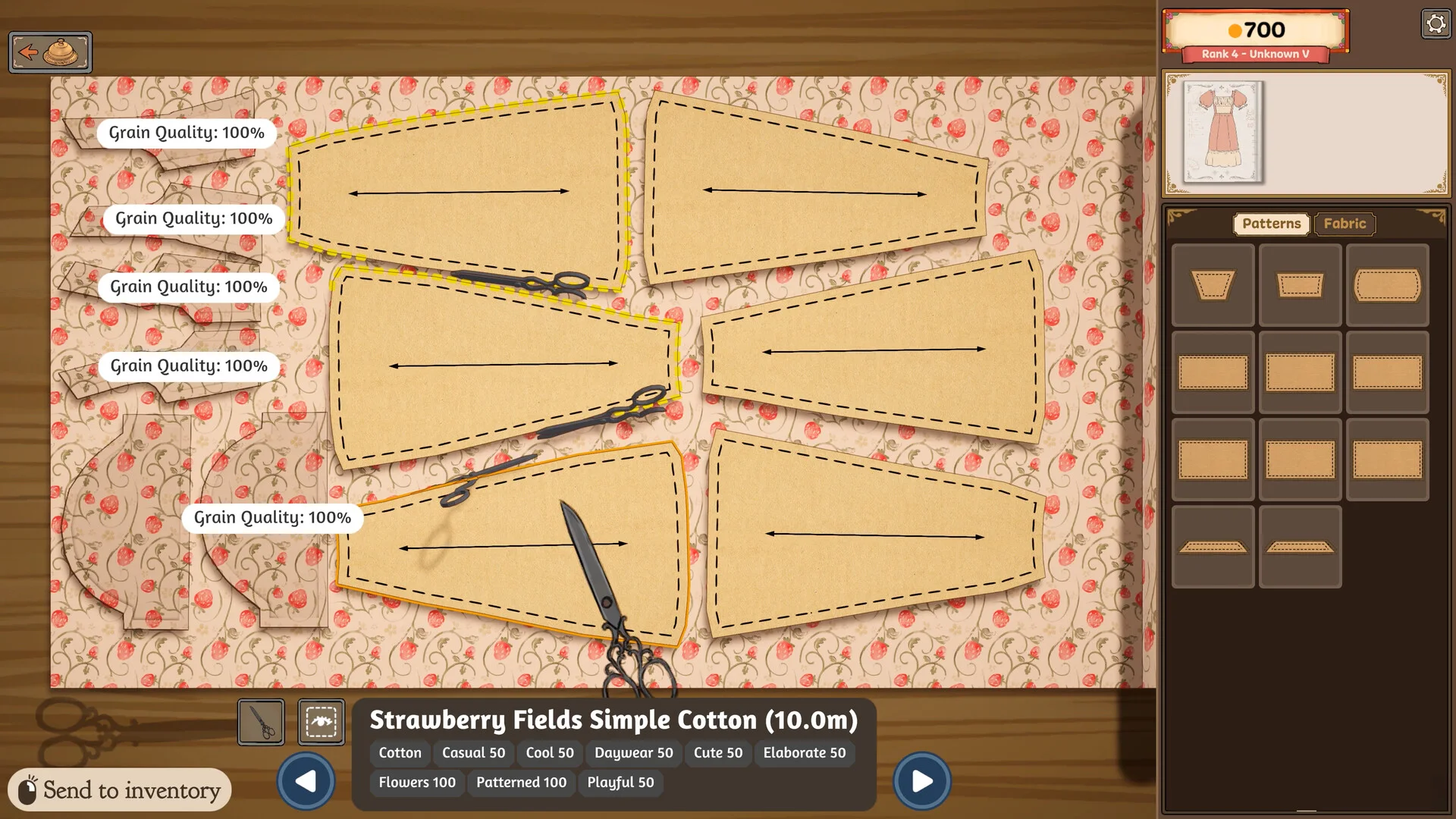
Start with the correct pattern pieces
Return to the sketchbook if you are unsure which pieces belong to the planned dress. Build 410 improved component identification, so current-build players should use those labels instead of relying on an old screenshot.
Place pieces inside the usable fabric
Move each pattern piece onto the cloth and keep it within the usable area. Check that pieces do not overlap in a way the interface rejects. Efficient placement can conserve fabric, but saving space is not useful if the orientation produces poor quality.
Read grain and bias feedback
Grain describes alignment with the fabric’s thread direction; bias is a diagonal orientation. Dressmaker turns these real dressmaking ideas into visible game feedback. Watch the current quality labels as you rotate and place pieces. The safe rule is to follow the game’s live evaluation for that component and fabric.
Confirm before cutting
Check orientation, boundaries and remaining material before committing. If a piece was cut incorrectly, do not assume that a prototype recovery method or community workaround applies to Build 410. Consult the current UI and keep a note of the build when reporting a reproducible problem.
What this guide does not claim
There is no verified public table here for hidden weights, waste penalties or a perfect layout for every fabric. Those would require current-build testing across the full catalogue. This page covers the observable workflow supported by official material.