Where sewing fits
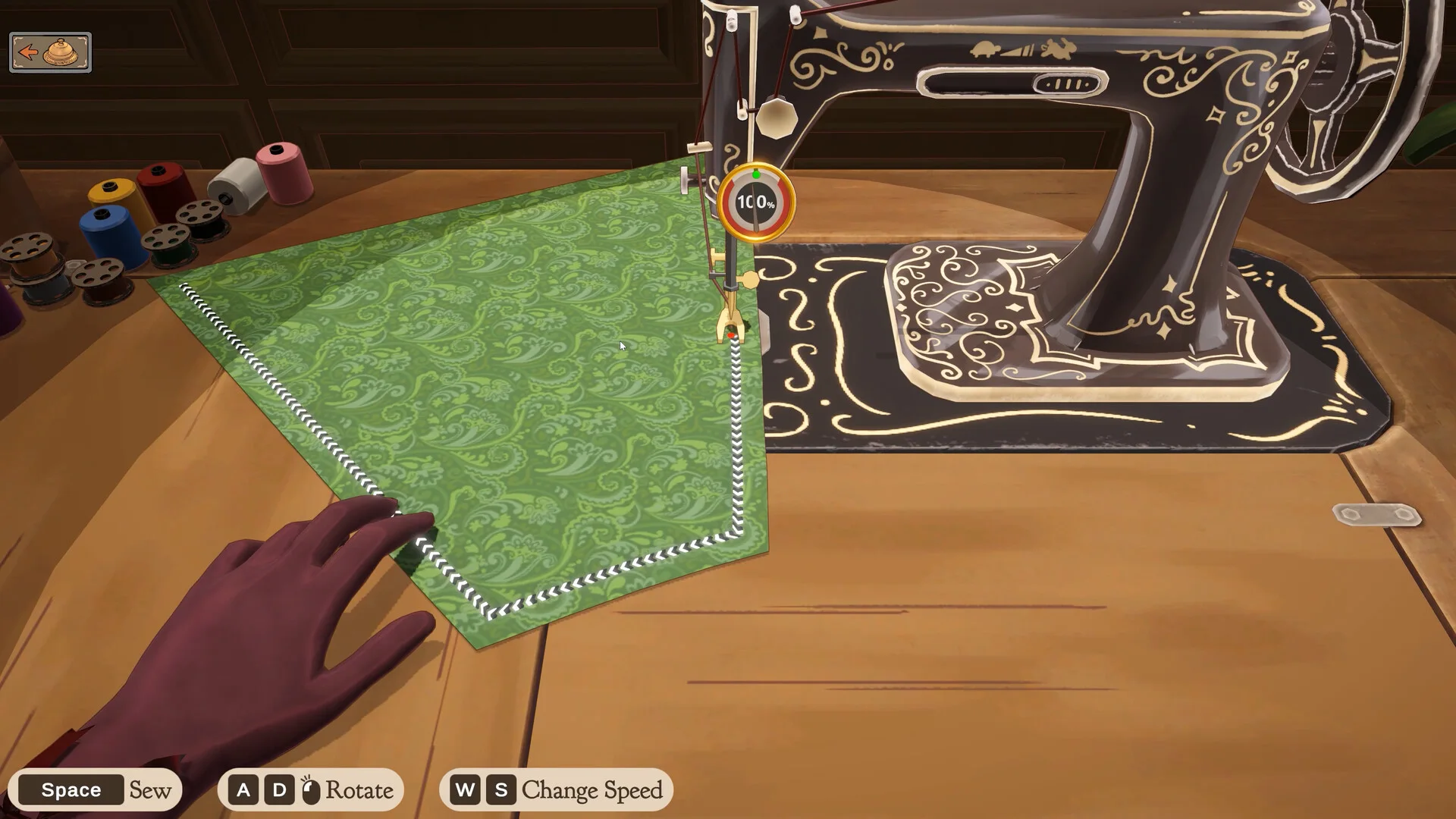
Sewing follows planning and cutting. The official description has players sew prepared pieces together, then continue to finishing and delivery. If the correct piece is not available at the machine, return to the plan and cutting stages before assuming the sewing screen is broken.
Follow the current on-screen prompts
The Steam screenshots show control hints during sewing, but there is no official public keyboard table covering every platform and accessibility setting. Follow the prompts shown by the current build. This guide intentionally does not publish a guessed key map.
Thread colour in Build 410
Build 410 added the ability to change thread colour by clicking the spools. If older footage lacks that interaction, it may simply predate the update.
Keep prototype advice separate
The itch.io page includes developer discussion of a Sewing Assist toggle in the full game, but the prototype itself has different distribution and platform support. A key used in prototype footage should not be treated as a universal full-release control without checking the current settings screen.
When the machine seems stuck
Confirm that the required cut piece is selected and that a tutorial overlay is not waiting for a different action. Update the game, note the current build and compare the visible prompt with the official patch notes before deleting progress.