Plan before entering the shop
Use the sketchbook and commission panel to decide what the dress needs. Note the fabric family, colour direction and approximate amount before spending coin. This reduces the chance of buying an attractive material that does not suit the planned components.
Use the current interface feedback
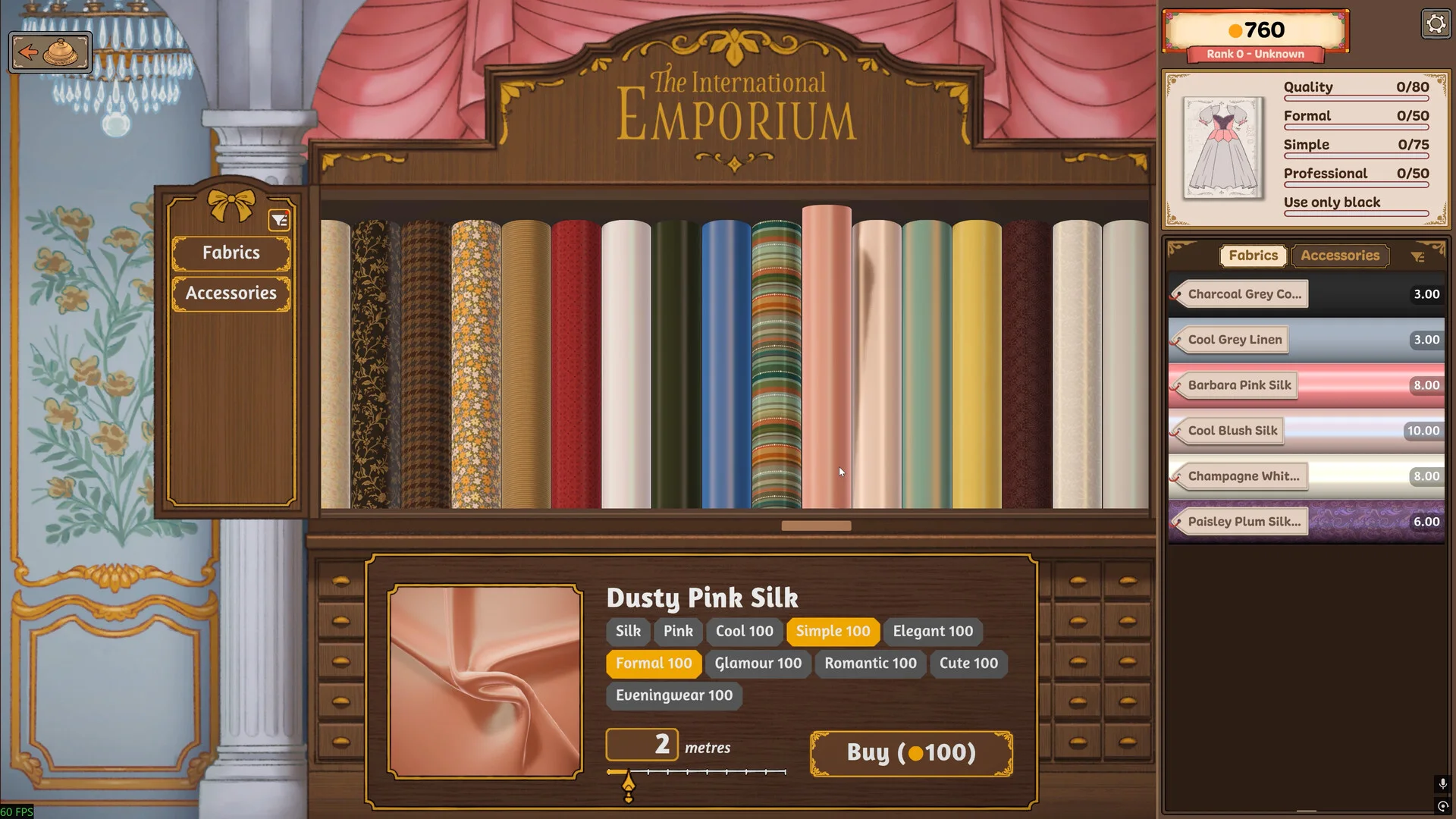
The International Emporium screenshot shows fabric rolls and a purchasing interface. Build 410 added a hint that appears when hovering the inventory panel and explains mannequin placement. If an older video lacks that hint, it may predate the patch.
If the Emporium appears red or unavailable
Search data shows this is a common question, but the official public notes do not define one cause for every red state. Check the active tutorial prompt, current customer flow and whether another panel is waiting for an action. Update the game before attempting a workaround.
If you bought the wrong material
Do not cut immediately. Return to the plan, inspect the inventory and confirm whether the material can still serve another part or off-the-rack dress. No verified official source currently supports a fixed refund percentage, so this page does not quote one.